Remember the film
Add a title, a poster and your feeling. Keep IMDb’s rating alongside your own opinion.
YOUR FILMS. YOUR WORDS.
Keep a little record of what you watched and how it made you feel. Turn it into a film diary website that’s entirely yours.
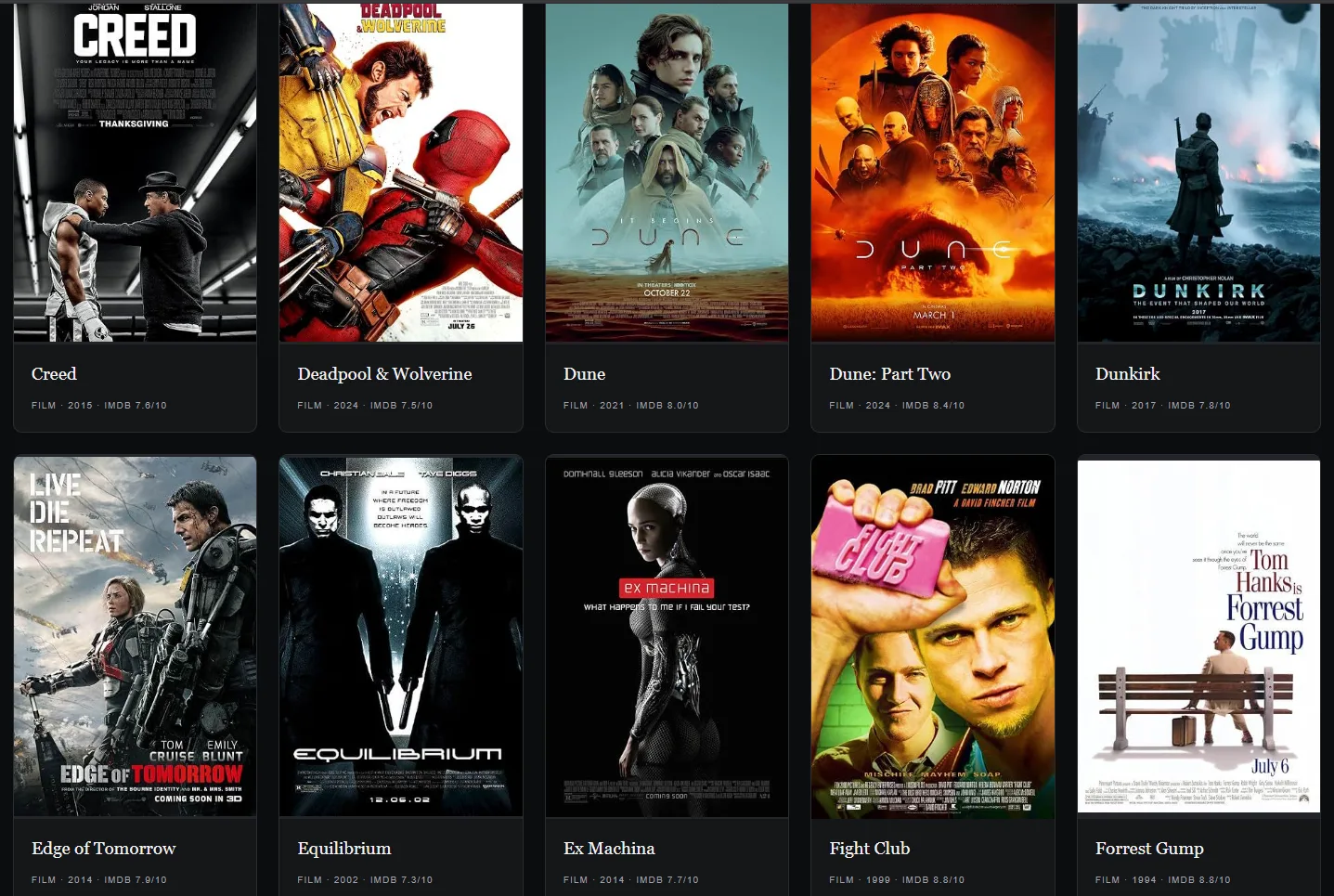
A SIMPLE LITTLE RITUAL
No dashboard to maintain. Just open the editor and add your next film.
Add a title, a poster and your feeling. Keep IMDb’s rating alongside your own opinion.
A favourite scene. A thought. A feeling you can’t quite explain. Entries waiting for notes appear first.
Preview your website in the browser. When you’re ready, publish its folder yourself through GitHub.
A DESKTOP EDITOR. A WEBSITE YOU OWN.
The editor saves your diary into a website folder on your computer. On first launch, it creates one in Documents — ready for your first entry.
Keep it for yourself, or publish it for everyone. You choose when your thoughts go public.
SMALL TOOL. THOUGHTFUL DETAILS.
Add, update or remove films and series from one desktop window. Fill in missing thoughts at your own pace.
The public website puts your best-liked films first. Your feelings and IMDb ratings stay separate.
Minimal poster cards keep browsing simple. Open a film to read all the details and your thoughts.
Browse with filters and pagination. Clear the filters when you want the whole collection back.
Choose another website folder in Settings. Open it in VS Code when it’s time to commit and publish.
Your diary lives on your computer. Preview the website directly in a browser, even with the editor closed.
BEFORE THE OPENING CREDITS
Simple to start.
Easy to make your own.
Download MyFilmDiary.exe and open it on a Windows x64 computer. The app creates an empty My Film Diary website in your Documents folder. Add your first film and preview the result.
No. The editor is a Rust and Tauri application. It uses Microsoft WebView2, normally available on Windows 10 and 11. Your diary website opens directly from its index.html file.
No. New users start with an empty collection. Your film data and posters live in your selected website folder, separate from the EXE.
No. You publish the website folder manually using your own GitHub workflow. Your film entries and thoughts become public only when you publish that folder. App settings and private backups stay in AppData.
Yes. Copy or move the complete website folder, then select its new location in Settings. Keep the whole folder together so your posters stay with your entries.
The editor can save a private, timestamped diary backup. For a complete backup, also copy your website folder and the MyFilmDiary folder in your local AppData.
FOR YOUR NEXT “I LOVED THAT.”
A small diary for a lifetime of watching.
Download My Film Diary